
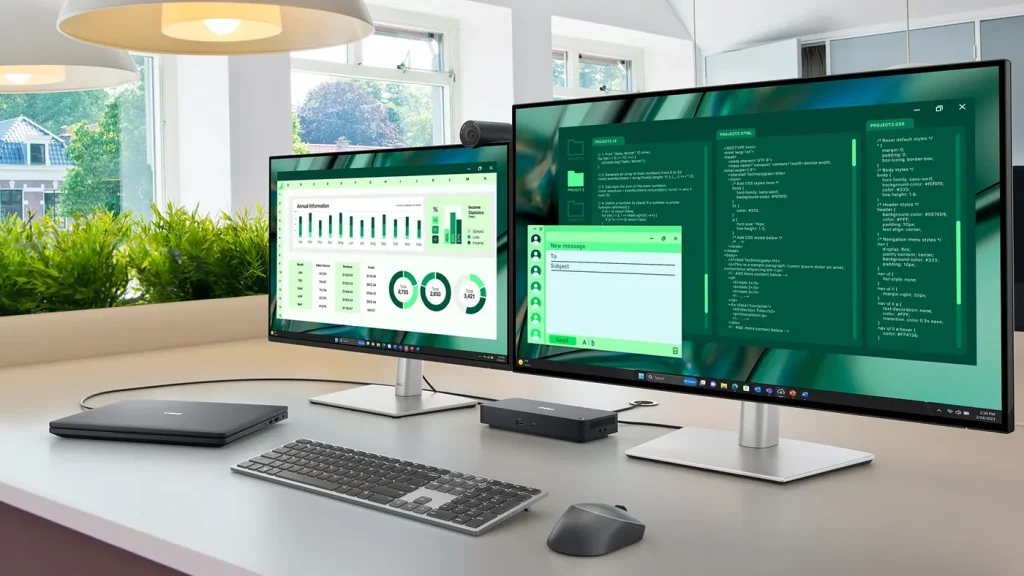
Dell docking stations
We stock Dell's Pro dock family: the WD25 and SD25 for USB-C, the WD25TB4 and SD25TB4 for Thunderbolt 4 and the WD25TB5 and SD25TB5 for Thunderbolt 5. Every unit is new and factory sealed with a 3 year manufacturer warranty.
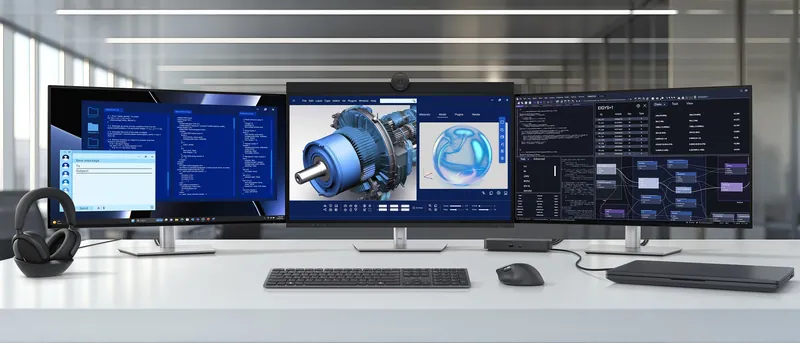
The dock range
Dell docking stations we stock
We stock Dell’s current Pro docks for USB-C, Thunderbolt 4 and Thunderbolt 5, including the WD25 and the SD25 Smart Dock. Each connection comes as a standard WD dock or an SD Smart Dock that IT can update and manage remotely.
Every dock runs up to four displays and arrives new and factory sealed with a 3 year manufacturer warranty. The right one depends on your laptops’ port and how much charging power they need. Other models are available on request.
- New and factory sealed
- 3 year manufacturer warranty
- Order by 5pm for next day UK
- UK and Europe
Buying guide
Choosing the right dock
Four things decide which dock fits: the laptop's port, whether IT needs to manage the dock remotely, the screens and the charging power.
Connection and power
USB-C docks need a laptop port with DisplayPort Alt Mode. They also work with Thunderbolt laptops. Thunderbolt models need a Thunderbolt or USB4 port. In return, the TB4 docks add two Thunderbolt 4 ports. The TB5 docks go further, with two Thunderbolt 5 ports, DisplayPort 2.1 outputs and up to 300W charging.
Standard or smart
SD models are Dell's Smart Docks. Through Dell Device Management Console in the cloud, IT can update their firmware, keep an inventory and disable ports, even with no PC attached. The SD25TB5 also takes firmware updates over Wi-Fi. WD docks are managed through the laptop they're plugged into.
Screens
Every dock here runs up to four external displays. Resolution and refresh rate depend on your laptop's graphics and its support for Display Stream Compression. Tell us your laptop and monitors and we'll suggest a model.
Charging
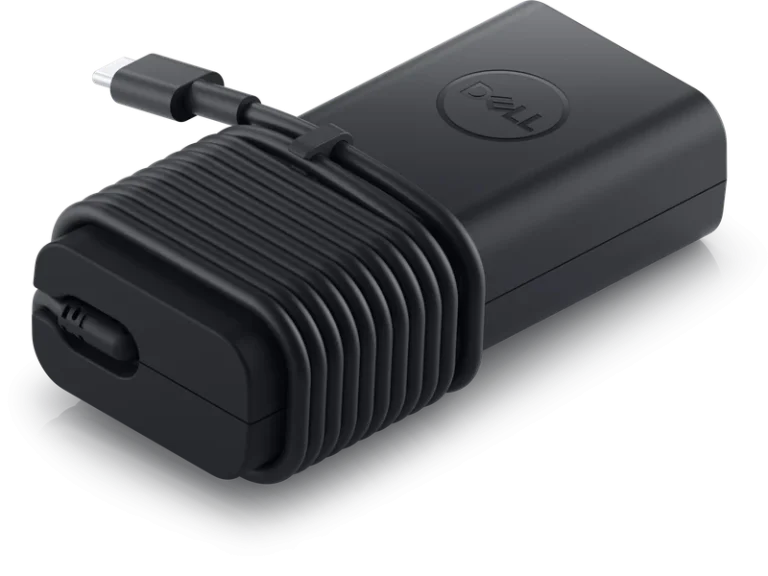
Dell laptops charge at up to 100W from the WD25, 130W from the SD25 and both Thunderbolt 4 docks, and 300W from the Thunderbolt 5 docks. Other laptops charge at up to 96W, or 240W on Thunderbolt 5.

Compatibility
We'll match the dock to your laptops
Send us the laptop models you're docking and our logistics team will confirm which dock fits, how many screens it'll run and how fast it'll charge.
Trade accounts
Docks for every desk
Every model on this page is held in stock, and rollout quantities follow on short lead times. Buy regularly? A trade account gets you bulk pricing through our sales team.
Apply for a trade account
FAQs
Docking station questions
Will a Dell dock work with a non-Dell laptop?
Yes, if it has the right port. The WD25 and SD25 need USB-C with DisplayPort Alt Mode, and the Thunderbolt models need Thunderbolt or USB4. Non-Dell laptops charge at up to 96W, or 240W on the Thunderbolt 5 docks. Send us the laptop model and we'll confirm.
How many monitors can a Dell dock run?
Up to four on every dock here. Resolution and refresh rate depend on your laptop's graphics and its support for Display Stream Compression. Tell us your laptop and monitors and we'll suggest a model.
Will the dock charge my laptop?
Yes, through the same cable. Dell laptops get up to 100W from the WD25 and 130W from the SD25 or either Thunderbolt 4 dock. The Thunderbolt 5 docks reach 300W. Send us your laptop model and we'll check the dock can power it.
What's the difference between the WD25 and the SD25?
They have the same USB-C connection and ports. The SD25 is a Smart Dock that IT can manage remotely through Dell Device Management Console. Its 180W adapter also lets it charge Dell laptops at up to 130W, against 100W from the WD25.
How does the WD19S compare with the WD25?
The WD25 is the newer dock. It runs four displays to the WD19S's three and adds 2.5Gb Ethernet and HDMI 2.1. The WD19S charges Dell laptops at 90W or 130W, depending on its adapter. We supply it refurbished, with a 1 year warranty.
Can I order a single dock?
Yes. The same quote form covers one dock or a full rollout. Tell us the model and quantity, and we'll get back to you as soon as possible.
Request a dock quote
Send us the models and quantities you need, plus your laptop models if you'd like a recommendation. We'll get back to you as soon as possible.
Getting rid of old IT equipment? LA Recycling, part of our group, handles IT asset disposal.Visit LA Recycling
Or call01462 456810, Mon to Thu 9am to 5pm, Fri 9am to 4:30pm.